Welcome 👋
backscatter is a free weather-radar app that you run on your own computer.
You know those weather-radar maps on the news — the green, yellow, and red blobs that show where rain and storms are? backscatter puts one of those on your screen, centered on your town, using the same official data the professionals use. And it's completely free.
Here's the part that makes it special: most radar apps only let you rewind a little while. backscatter quietly saves every picture it collects, so you can rewind and replay an entire storm — or look back across a whole season — like a DVR for the sky.
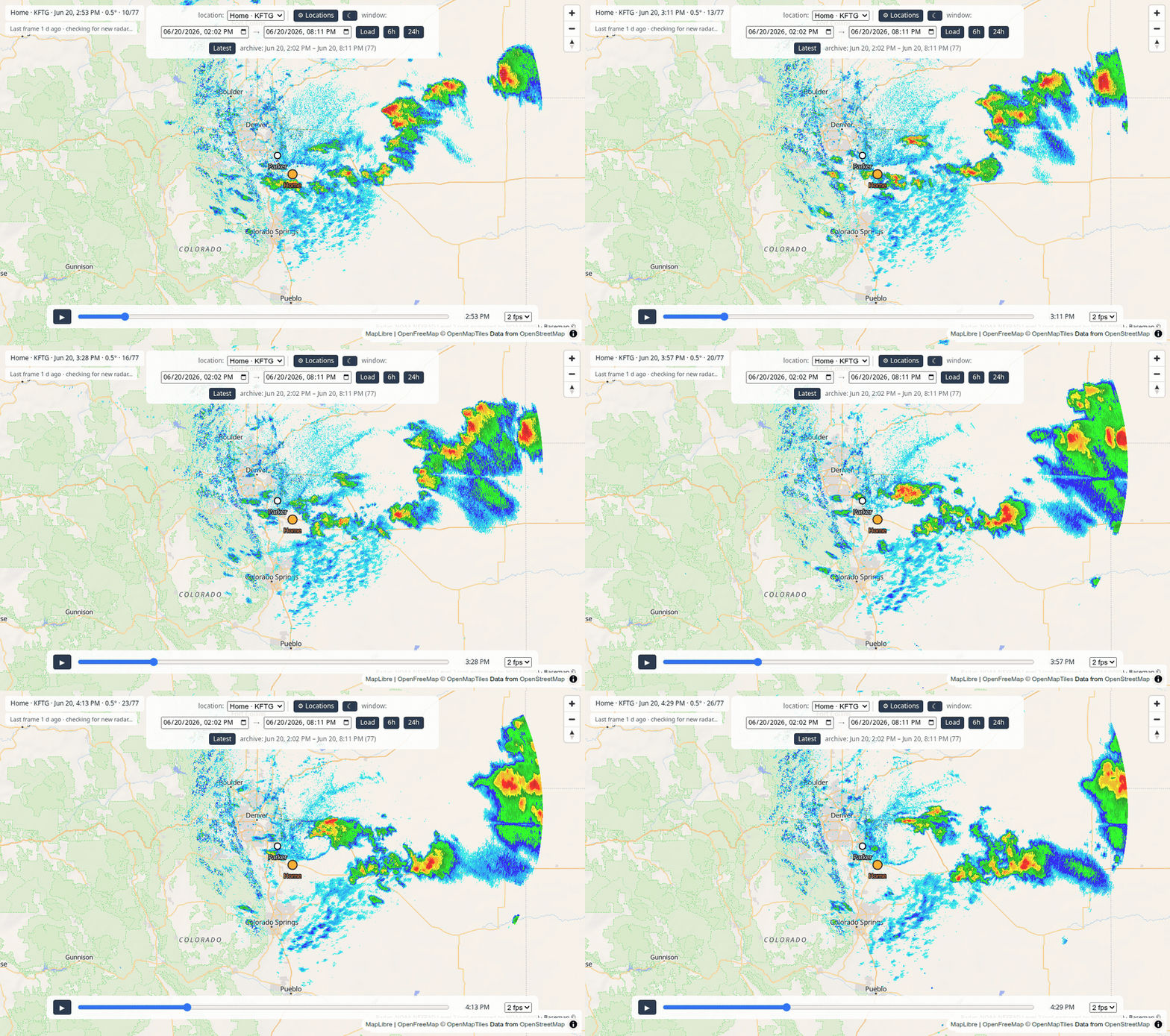
You don't need to be technical to use it. If you can install an app and copy a couple of lines, you can run backscatter. These pages walk you through every step with pictures.
Get started — pick your computer
-
Windows
Windows 10 or 11. Click-by-click, nothing assumed.
-
macOS
Any modern Mac (Apple Silicon or Intel).
-
Linux
Ubuntu and other common distributions.
What you get
- Live radar for your location. Point it at your town and it automatically picks the nearest weather-radar station.
- An unlimited rewind. Scrub back through every frame it has saved and replay storms start to finish.
- As many places as you like. Watch home, the cabin, and grandma's town — switch between them with one click.
- Free and yours. No accounts, no subscriptions, no fees. The data comes straight from the U.S. government's free public weather service, and everything runs on your own machine.
A friendly heads-up
backscatter is a fun hobby tool, not an official warning system. For real weather warnings and safety decisions, always rely on the National Weather Service and your local officials. Think of backscatter as your personal radar replay — not a substitute for the pros.
New here? Start at the top
- Get it running — pick your computer and follow along.
- Set your location — tell it where you live (and add more places).
- Take the tour — learn the map, the timeline, and playback.
- Stuck? Help & FAQ has the common hiccups in plain language.
Curious how it works under the hood, or want to tinker? There's a whole For developers section.